Help: SQL Server

Sharing my knowlege about SQL Server Troubleshooting Skills

  • Blog Stats

    • 2,158,236 hits
  • Select GETDATE()

    April 2026
    M T W T F S S
     12345
    6789101112
    13141516171819
    20212223242526
    27282930  

Archive for 2014

Coverage Report – Another successful weekend spent with #SQLBangUG

Posted by blakhani on May 6, 2014


Last weekend, 3rd May 2014, was another remarkable day in history of SQL Bangalore User Group Meetings chapter. For those who are in Bangalore and have not attended the user group meeting has missed something. The meeting announcement was made on 18th April and I was one of the speaker along Sourabh, Amit, Pinal, Vinod and Kane (In order of the sessions). Amit has already given a summary and information about the sessions here (A full house–We could not have asked for more)

The theme of the meeting was “SQL Server 2014 – Community Launch” because this was the first UG after release of SQL Server 2014 to public. The response was overwhelming and till 2 May people were registering. We were sold out on eventbrite

image 

It was full day event with session lined up on SQL Server 2014 new features. We have booked a room with 150 capacity and had a clue that we are overbooked so food was ordered for higher quantity

image 

We have given enough warning to the folks who have registered about the timings.

image

At around 9:45, we were forced to close the registration because few non-registered used were allowed as they came much before 9:00 AM to make sure they don’t miss the event. Apologies to those who were sent back from reception.

image

While registrations were going on, I stated the event with some housekeeping announcement and people were still coming in

image

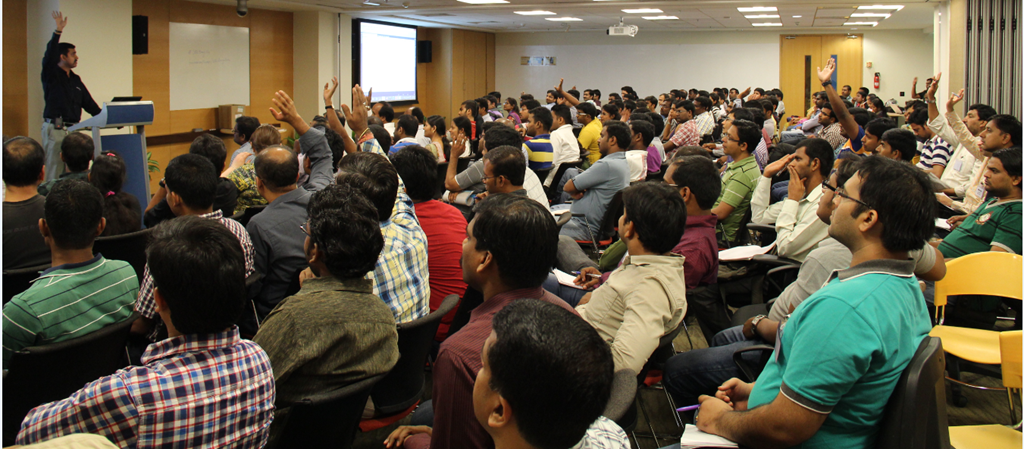
When I asked about repeat participants.. here was the response..
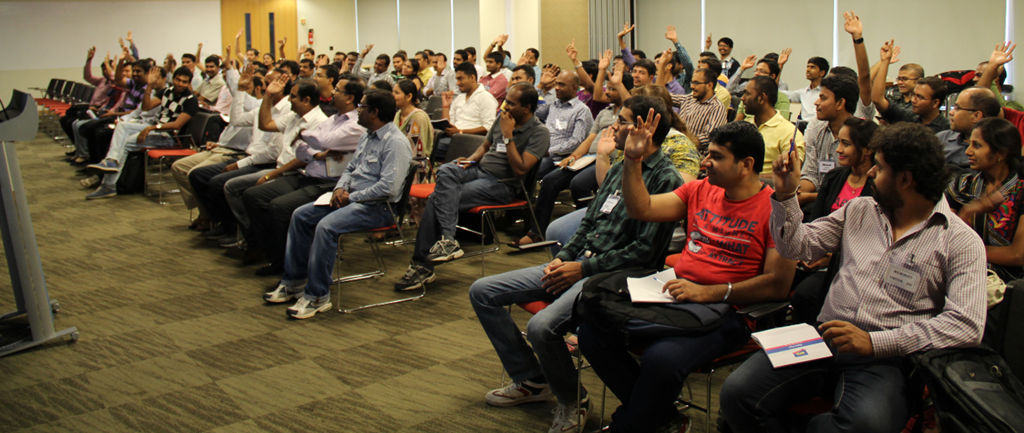
image

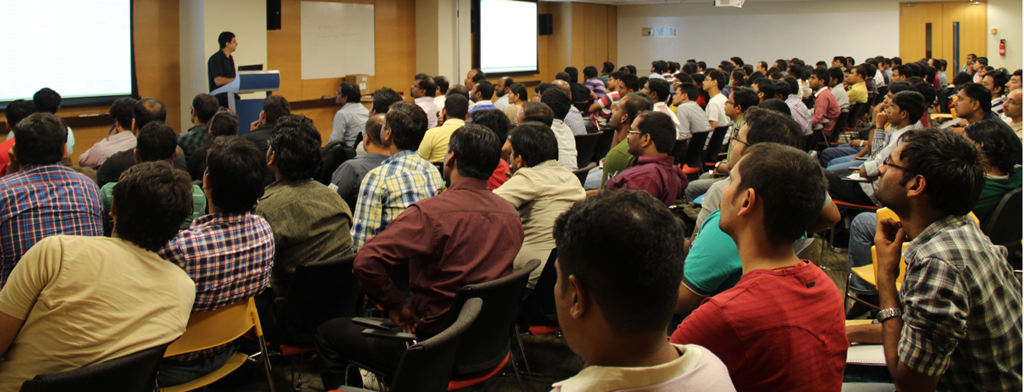
In less than 10 min, the room was FULL and people were standing.

image

More chairs were arrange and then once all were comfortable, Anupam started his keynote.
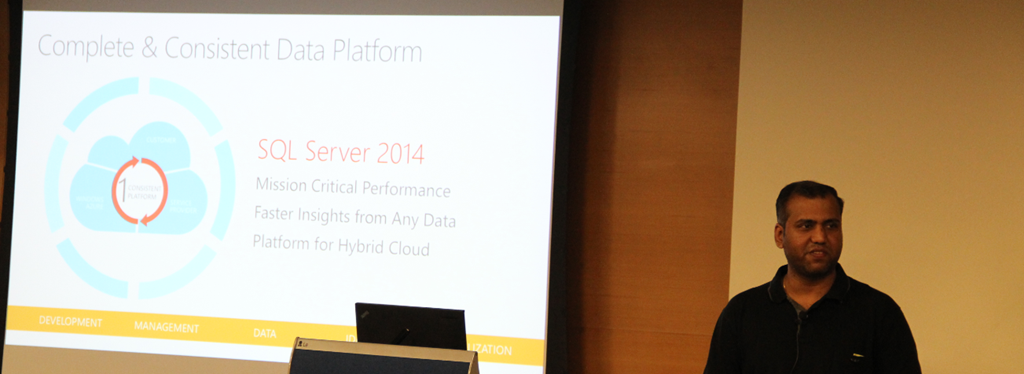
image

Followed by Sourabh

image

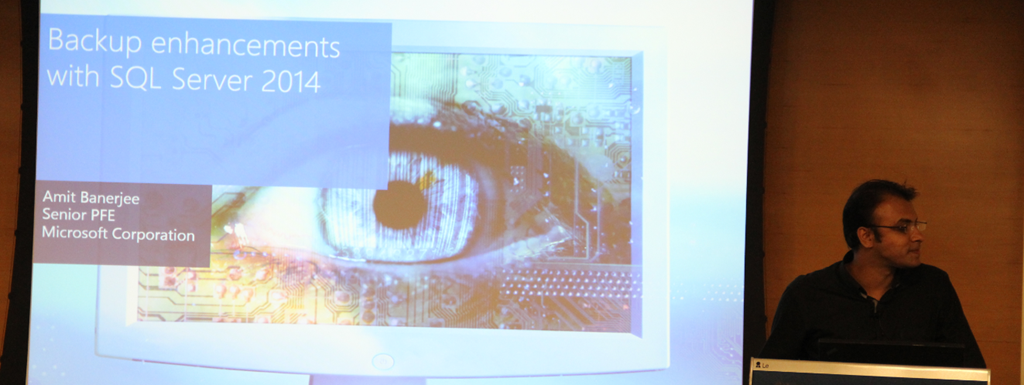
and then Amit..

image

Post lunch, we had Pinal come on stage

image

Followed by me..

image

Vinod

image

and Kane

image

These are few ripples on Facebook as feedback of the event

imageimage

imageimage

In case you missed this time, stay tuned. We would do another next month..

Cheers,
Balmukund

Posted in SQL Server User Group, SQLBangUG | Tagged: | Leave a Comment »

SQL 2014 Learning Series # 7–New Feature – Delayed Durability (Part 1)

Posted by blakhani on May 1, 2014


SQL Server 2014 is having a lot of useful feature and some are hidden as well. I was able to learn about “delayed durability” feature while preparing my session at GIDS. Since the session is over now, it’s right time to write about this feature. First, let’s understand durability.

In general, every transaction in relational database should follow ACID properties. Atomicity, Consistency, Isolation and Durability.

image

In SQL Server, durability is maintained by writing log record of modification to transaction log “synchronously”. If write to the disk is slow (or huge data to be written) the total time of transaction would become longer and we would see WRITELOG wait for the SPID. Once log record is hardened to transaction log, client would get commit confirmation.

image

SQL Server 2014 gives DBA and Application team to achieve durability with a delay. Delayed durability may give you some performance gain at the cost of durability factor of a transaction. It is achieved by writing the log record asynchronously. Log record is still generated and kept in memory area called “Log Cache”. Only difference is that it’s written to disk with the delay. So, even if application has received confirmation from SQL about the commit, it’s not actually hardened to disk. This is what is called as “delayed” durability.  If there is a unexpected failure of SQL before the data is written to disk, the data is essentially lost.

image

I must emphasize the fact that if your application can’t afford any data loss, don’t use this feature. (I don’t have option to put red flashing light otherwise I would have done that to stress on the data loss factor). Does this mean that you have no control about the flush of the log records from log cache to disk? No, product team has thought of this and provided a extended stored procedure called sp_flush_log. I would talk more about this later.

Now since you know the fundamentals of delayed durability, let’s see how to implement it. This can be controlled at various level. We can set delayed durability at Database Level, Transaction Level and in-memory stored procedure.

Database Level

We can change the setting using SSMS as below

image

Same options are provided in T-SQL as well.

ALTER DATABASE [AdventureWorks2014]
SET DELAYED_DURABILITY = DISABLED

ALTER DATABASE [AdventureWorks2014]
SET DELAYED_DURABILITY = ALLOWED

ALTER DATABASE [AdventureWorks2014]
SET DELAYED_DURABILITY = FORCED

If we set the value to disabled at database level, it would take highest priority. This means that transaction level setting would not be honored.

Transaction Commit Level

During commit of a transaction we can specify delayed durability option as ON or OFF

COMMIT TRAN [ transaction name | @transaction name variable ] [ WITH ( DELAYED_DURABILITY = { OFF | ON })]

Natively Compiled Stored Procedure Level

To know more about natively compiled procedure, I would like you to read here. While creating natively compiled procedure, we can specify delayed durability as below.

CREATE PROCEDURE SQLServerHelp
WITH NATIVE_COMPILATION, SCHEMABINDING, EXECUTE AS OWNER
AS BEGIN ATOMIC WITH 
(
    DELAYED_DURABILITY = ON,
    TRANSACTION ISOLATION LEVEL = SNAPSHOT,
    LANGUAGE = N'English'
    …
)
END

Here is the quick chart which explains effect of settings done at database level and transaction level.

image

In next part, we would see delayed durability in action.

  • Cheers,
  • Balmukund Lakhani
  • Twitter @blakhani
  • Author: SQL Server 2012 AlwaysOnPaperback, Kindle
  • Posted in SQL 2014 Learning Series, SQL Server 2014 | Tagged: , , | 4 Comments »

    A-Z of In-Memory OLTP : Performance Tip for Placement of Data and Delta Files (Checkpoint Files)

    Posted by blakhani on April 29, 2014


    While preparing my session about In-Memory OLTP for internal audience, I learned something new about placement of checkpoint files. In case you don’t know about checkpoint files, I would like you to read about checkpoint (part 1 and part 2).

    Data files and Delta files are created in round robin fashion. Let’s assume that we have two drives W and X and we want to distribute the IO load of In-Memory table. In general, for disk based table, what we used to do? Create the file on each drive? Yes, that would work for disk bases table but there is a little behavior which we should know before doing such thing for in-memory tables.

    For demo purpose, I am going to use two folder on same drive to mimic two drives.

    USE master
    GO
    IF EXISTS (
            SELECT *
            FROM sys.databases
            WHERE NAME = 'ObjectsDemo'
            )
        ALTER DATABASE ObjectsDemo SET  SINGLE_USER WITH ROLLBACK IMMEDIATE;
        DROP DATABASE ObjectsDemo
    GO
    
    CREATE DATABASE ObjectsDemo
    GO
    
    ALTER DATABASE ObjectsDemo 
    ADD filegroup ObjectsDemo_mod CONTAINS memory_optimized_data
    GO
    
    -- Add Files 
    ALTER DATABASE ObjectsDemo 
    ADD FILE (
        NAME = 'ObjectsDemo_mod_W'
        ,filename = 'c:\dataHK\ObjectsDemo_W'
        ) TO filegroup ObjectsDemo_mod
    GO
    
    -- Add Files 
    ALTER DATABASE ObjectsDemo 
    ADD FILE (
        NAME = 'ObjectsDemo_mod_X'
        ,filename = 'c:\dataHK\ObjectsDemo_X'
        ) TO filegroup ObjectsDemo_mod
    GO
    
    So, I have two folders “ObjectsDemo_W” and “ObjectsDemo_X” to represent W and X drives. Once we create a in-memory table, we should see checkpoint file pairs (CFP) created. 
    USE ObjectsDemo
    GO
    
    CREATE TABLE dbo.t1 (
        c1 INT NOT NULL PRIMARY KEY NONCLUSTERED
        ,c2 INT
        )
        WITH (memory_optimized = ON)
    GO


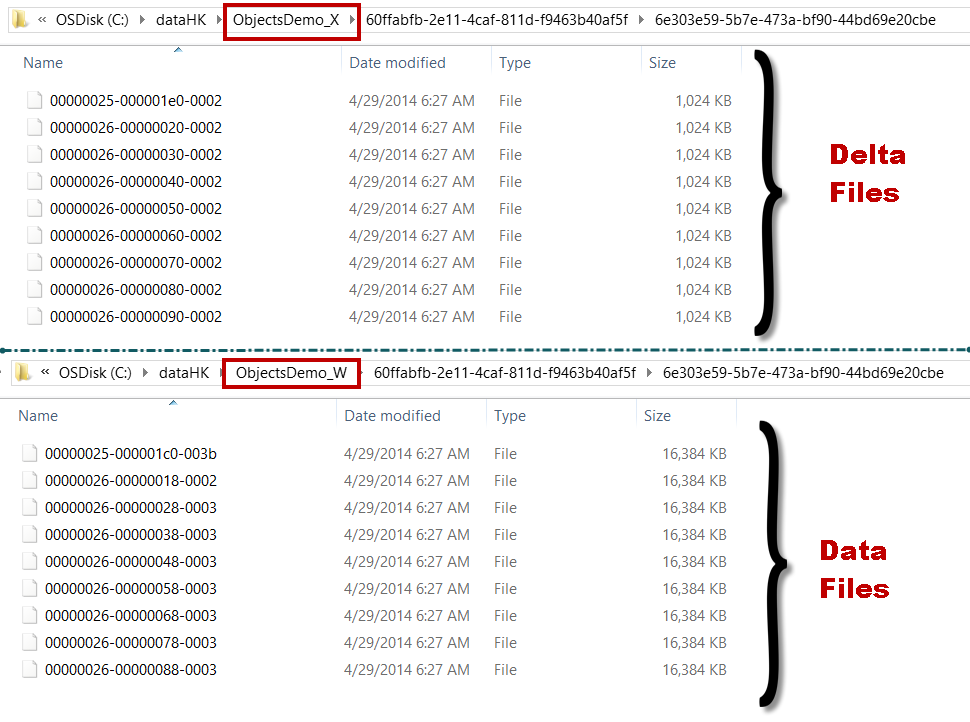
    Let’s have a look at folders now.

    image

    One folder (Drive W) contains only data files (pre-created at 16 MB each) and another folder (Drive X) contains only delta file (pre-created at 1 MB each). That would not put uniform load on the both folders. The files are placed in this fashion because data and delta files are created in container into round-robin fashion

    Here is the tip: Since we have even number of drives, we should create two folders on each drive and place files in 4 containers instead of 2 containers. We need to remember that first two containers should be from same drive.

    use master
    go
    IF EXISTS (
            SELECT *
            FROM sys.databases
            WHERE NAME = 'ObjectsDemo'
            )
        ALTER DATABASE ObjectsDemo SET  SINGLE_USER WITH ROLLBACK IMMEDIATE;
        DROP DATABASE ObjectsDemo
    GO
    
    CREATE DATABASE ObjectsDemo
    GO
    
    ALTER DATABASE ObjectsDemo 
    ADD filegroup ObjectsDemo_mod CONTAINS memory_optimized_data
    GO
    
    -- Add Files 
    ALTER DATABASE ObjectsDemo 
    ADD FILE (
        NAME = 'ObjectsDemo_mod_W1'
        ,filename = 'c:\dataHK\ObjectsDemo_W1'
        ) TO filegroup ObjectsDemo_mod
    GO
    
    -- Add Files 
    ALTER DATABASE ObjectsDemo 
    ADD FILE (
        NAME = 'ObjectsDemo_mod_W2'
        ,filename = 'c:\dataHK\ObjectsDemo_W2'
        ) TO filegroup ObjectsDemo_mod
    GO
    
    -- Add Files 
    ALTER DATABASE ObjectsDemo 
    ADD FILE (
        NAME = 'ObjectsDemo_mod_X1'
        ,filename = 'c:\dataHK\ObjectsDemo_X1'
        ) TO filegroup ObjectsDemo_mod
    GO
    
    -- Add Files 
    ALTER DATABASE ObjectsDemo 
    ADD FILE (
        NAME = 'ObjectsDemo_mod_X2'
        ,filename = 'c:\dataHK\ObjectsDemo_X2'
        ) TO filegroup ObjectsDemo_mod
    GO


    W1 and W2 are two container for mimicking two folder on W and same for X as well. Now, if we create a table, due to round robin, we should see below.

    image

    Now we have DATA file distributed and should have better usage of both driver. What you should do if you have ODD number of drives? Well, nothing because of round robin, data and delta files would be distributed automatically. 

    Bottom line: If you have plans to create file stream containers on odd number of drives, create them using trick mentioned above. If you have even number of containers then no special consideration.

    Hope you have learned something new today.

  • Cheers,
  • Balmukund Lakhani
  • Twitter @blakhani
  • Author: SQL Server 2012 AlwaysOnPaperback, Kindle
  • Posted in A - Z Series, Hekaton Series, In Memory OLTP, In-Memory OLTP, SQL Server 2014 | Tagged: , , , , , , , , , , , | 2 Comments »