
After missing first SQL Server Bangalore UG meet due to team outing, I was ready to meet all my old friends at second SQL Server UG meet yesterday. First of all, Thanks to Vinod (B|T) for starting the idea of SQL Server Bangalore User Group and making it popular on social networking (Facebook www.facebook.com/groups/SQLBangalore and Twitter #SQLBangUG) I have been active on facebook page to help someone who is in need. Feel free to join the group.
As expected, I was able to meet Kamlesh (B|T), Manas (b|t), Sahal (b|t), Sandip (b|t), Sudeepta (b|t) (names are in alphabetical order) from the community. We missed Pinal (b|t)this time as he was not available in town.
Here is the highlights of the whole event as tweeted by me and others. Series of back to back session were suppose to start at 10:30 AM IST and room was getting full. Due to change in venue (from Signature building to Embassy building) there were some folks who were little late.

Myself and other speakers were sitting at last bench.


First session was by one of our expert, Kamlesh. His session “Better together: Excel + SQL for Database Developers” was full of demo.
- @kamleshrao started session.. (10:32 AM)

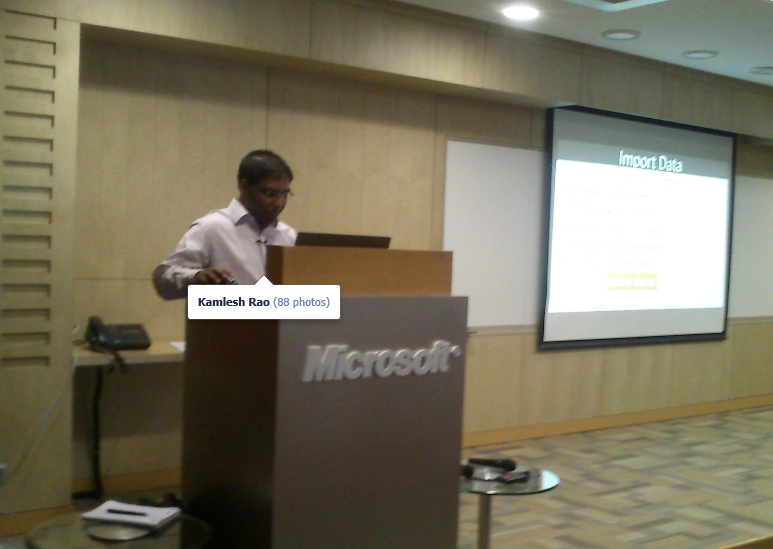
- SQL and Excel.. deadly combo! @kamleshrao (10:39 AM)
- missing
@pinaldave (10:40 AM) - Demo on #openrowset by@kamleshrao (10:40 AM)
- "Close the excel file before using" #SQLBangUG Demo of OPENROWSET BY @kamleshrao (10:41 AM)
- Using EXCEL function to write SQL Scripts#SQLBangUG by@kamleshrao (10:51 AM)
- @simplymanas is ready with his timing slide (10:52 AM)
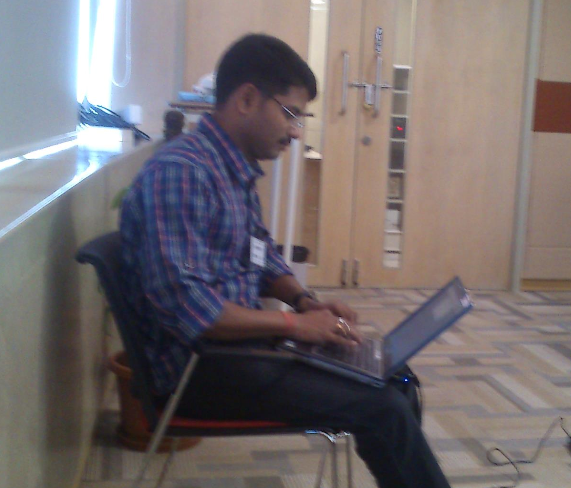
- Database Modeling Excel dbmodelexcel.codeplex.com (10:54 AM)
- Session ended with huge round of applauses
Second session was by Microsoft Premier Field Engineer, Sourabh Agarwal (b|t). His session, Intro to Indexing – Basics rediscovered, was really to cover the basics and show the internals.
- @napsterreturns presenting on Indexes (11:02 AM)


- @napsterreturns talking about IAM page (11:04 AM)
- @napsterreturns talks about data page and index page types. If you didnt know IAM is pagetype 10.(11:10 AM)
- IAM page id is 10, data page id is 1, index page id is 2 (11:10 AM)
- @napsterreturns showing DBCC IND and DBCC PAGE outputs.#SQLBangUGmeeting … Mixed extends discussed now (11:12 AM)
- demo on uses of DBCC IND@napsterreturns (11:12 AM)
- Now Non-Clustered Index definition. How is structure for Clustered Index and Heap rows. @napsterreturns (11:20 AM)
- what is plan for queries written?@napsterreturns discusses the basics of Clustered, Non-Clustered and Heap using queries … (11:27 AM)
- SQL is a cost based optimizer @napsterreturns the basics of INDEX simplified with lots of DEMOs. (11:30 AM)
- What a perfect timing.. at 11:30 – session was ended. (11:30 AM)
Again, a big round of applauses and Vinod introduced our next speaker, Amit Banerjee (b|t) and his session was “Knowing sp_server_diagnostics output” A feature which is not known to mant DBA. He showed some fantastic demos and shared his nice reports to read that information.
- @banerjeeamit started session about server health session. #SQLBangUG (11:35 AM)

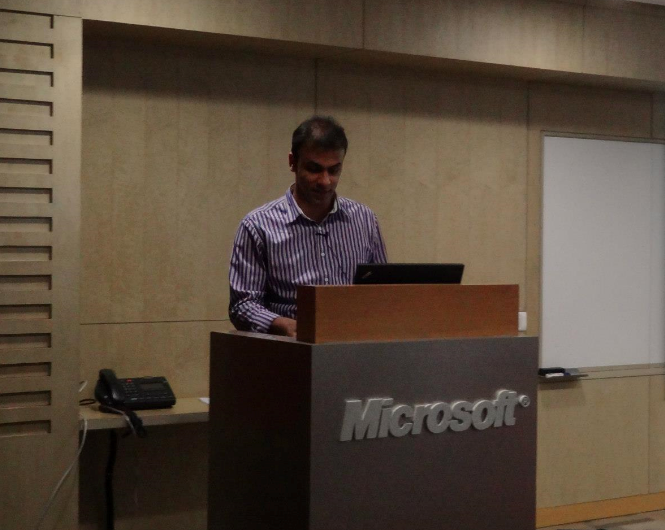
- @banerjeeamit started his session at #SQLBangUG"System Health Session” (11:36 AM)
- @banerjeeamit shwoing the System health check using "Extended Events" (11:37 AM)
- @banerjeeamit shows the Extended Events for System Health. Explains the details.#SQLBangUG. Blocking using Extended Events … Demo !!!(11:38 AM)
- @banerjeeamit talks about Logon errors, Netowrk erros, Lock Waits using default System Health session. (11:47 AM)
- How can we find the CPU and Memory of SQL Server 15 mins back? @banerjeeamit is making #SQLBangUGmembers think !!! It is Ring Buffer DMV. (11:49 AM)
- @banerjeeamit showing magical report generated with system health session#SQLBangUG learning Free monitoring!! (11:52 AM)
- Corrupt pages can also be tracked via sp_server_diagnostics.@banerjeeamit in#SQLBangUG. Now showing failed IO sub system. (11:56 AM)
- When the issue happened, long IO, which file …SQL Server Health Session Dashboard …. #SQLBangUGby @banerjeeamit (11:56 AM)
- Great session by@banerjeeamit#SystemHealthSessions (12:01 PM)
And then, I was the next one to speak about, Basics of Backups with SQL Server. My topic was not so new to deliver and to make it more interesting I added few interesting slides. I was able to keep audience awake after 3 heavy sessions. Here is the commentary of my session.
- Backups are ready!!!!@blakhani #SQLBangUG (12:04 PM)
- Session on #SQL Backups by @blakhani (12:05 PM)
- @blakhani Starts now on ‘SQL Backup (12:05 PM)
- @blakhani starts his session on backups in #SQLBangUG (12:05 PM)


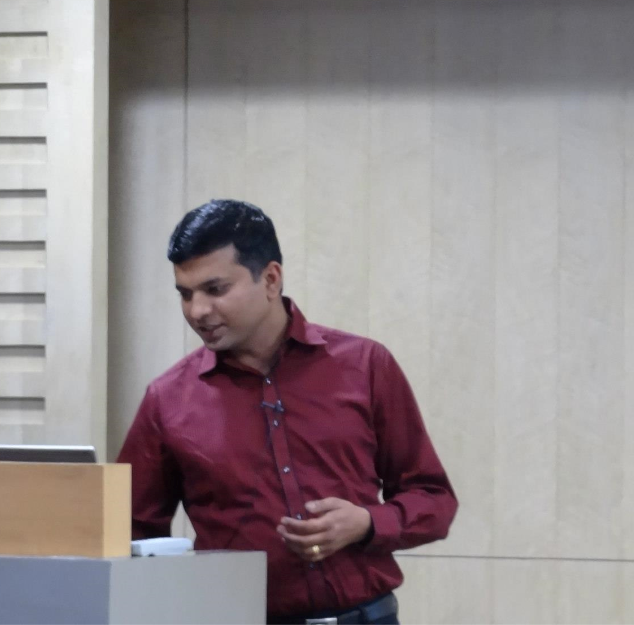
- Its not PDF its MDF …still its the Primary Data File#SQLBangUG @blakhani (12:05 PM)
- @blakhani talks about Models in life and in SQL Server. #SQLBangUG. (12:06 PM)
- Your SQL files can be of any extention other than mdf,ndf,ldf – by@blakhani (12:07 PM)
- @blakhani Unique way to show "how many ways of recovery models do we have in SQL Server". (12:07 PM)
- A pictorial representation of all recovery model … a LOL session by @blakhani at#SQLBangUG (12:07 PM)
- @blakhani "How many backup types we have in SQL Server. #SQLBangUG (12:08 PM)
- Recovering from the models#SQLBangUG (12:09 PM)
- @blakhani Interesting quiz happens to confuse and then learn Full, Differential and Log backups. (12:09 PM)
- Tricky Questions on#SQLServer Backup Recovery #SQLBangUG (12:10 PM)
- @blakhani does a Quiz session with #SQLBangUGfolks in Backup scenarios. Should it be Bulk recovery or Log backup? (12:11 PM)
- What is the meaning for "GOGO" #SQLBangUG GO is not a command in SQL@blakhani #BatchSeparator (12:13 PM)
- @blakhani uses GOGO as a batch separtor.(12:13 PM)
- What is GO in SSMS – just learned at #SQLBangUG (12:13 PM)
- GO is a Batch separator, you can change it as well#SQLBangUG (12:16 PM)
- You can have your own batch separator #SQLServer#SQLBangUG if you don’t like GO 🙂 (12:16 PM)
- Customized batch separators in #SQLBangUG by@blakhani (12:16 PM)
- GO is a batch seperator, which can be manipulated from Tools->Options->Query Execution->Batch Seperator | via @blakhani #SQLBangUG (12:17 PM)
- @blakhani shows LOGSPACE command. (12:17 PM)
- @blakhani talks about NUL, CON reserved keywords when using backup command (12:16 PM)
- You will not be able to create folders/files with name CON, NUL, PRN (12:17 PM)
- @blakhani talks about how to take backup into vaccum in#SQLBangUG. (12:20 PM)
- Interesting facts on SQL Backup by @blakhani at#SQLBangUG (12:25 PM)
- @blakhani is talking about auto-truncate mode (12:33 PM)
- Can a backup command bring database to "Restoring" state?#SQLBangUG @blakhanihint #parameters (12:41 PM)
- @blakhani always teaches while he entertains!!! Crowd in splits at #SQLBangUGwhile delivering his session on #SQL backups! (12:41PM)
- @banerjeeamit @blakhani Yeah! I am seeing PinalDaveR2 in him (cc@pinaldave)
- Backup log with norecovery#SQLBangUG (12:42 PM)
- @blakhani shows the Internals Viewer (SSMS) from codeplex. (12:40 PM)
- intview2.codeplex.com#SQLBangUG demo by@blakhani (12:40 PM)
- A super #Infotainmentsession by @blakhani (12:41 PM)
- Demo on #BCM n #DCMpage by @blakhani (12:41 PM)
- BCM n DCM pages explored using Internal Viewer (from codeplex) – excellent stuff at#SQLBangUG by @blakhani (12:42 PM)
After my session, we had enough time left before close-out so Vinod did a session about Excel feature Flash Fill. All in the room were shocked and surprised with this feature. Here are the highlights of his amazing session.
- Now its tips from the Guru time, Excel Tricks#SQLBangUG session by@vinodk_sql (12:44 PM)
- @vinodk_sql with his Tips and Tricks at #SQLBangUG (12:44 PM)
- @vinodk_sql is going to play with Numbers on Excel (12:44 PM)
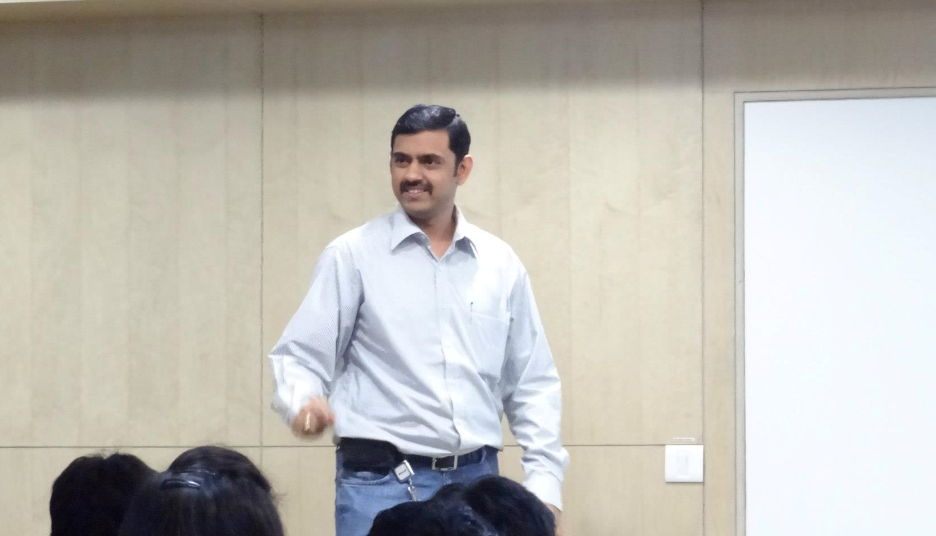

- Anything you do on Excel Toolbar, is just hides on screen (12:45 PM)
- @vinodk_sql teaching productivity tips and tricks with #Excel #SQLBangUG (12:45 PM)
- Flash Fill in Excel 2013#SQLBangUG (12:48 PM)
- Flash Fill is a very interesting feature in Excel | via@vinodk_sql #SQLBangUG (12:48 PM)
- @vinodk_sql is proving that we don’t use a majority of the features in #Excel!!#SQLBangUG#AwesomeSauce (12:48 PM)
- @vinodk_sql showing demo of Flash Fill in Excel. Form insert statement without formula #SQLBangUG (12:50 PM)
- @vinodk_sql A few minutes on Flash Fill feature in#Excel and there are various places where I can apply that feature!! #SQLBangUG (12:53 PM)
- When in doubt CTRL+A …know your region "We need to teach EXCEL to help us" #SQLBangUG by@vinodk_sql (12:55 PM)
- WOW factor in the room! people chanting Excel.. Excel (Cc@vinodk_sql ) (12:55 PM)
- Tips n tricks by @vinodk_sqlin #SQLBangUG, some great tips on #excel (12:58 PM)
- learning AWESOME feature"Flash Fill" #excel by@vinodk_sql (12:58 PM)
- Excel is a very very very smart kid… Just teach excel – check the Flash Fill feature… amazing demo’s by@vinodk_sql (1:05 PM)
- A nice way to present in EXCEL for EXCEL …no more PPT 🙂 by @vinodk_sql (1:05 PM)
- Crazy Excel 2013#SQLBangUG know when to help excel (1:09 PM)
- RT @blakhani: Clap Clap Clap. Good session by@vinodk_sql #SQLBangUG< + 100000000 (1:09 PM)
Here are the tweets which came in after the meeting.
- Will be waiting for @blakhanito upload the models ooooooops Recovery models#SQLBangUG cc/@kamleshrao @skganguly
- It was nice being at the#SQLBangUG Meet – Fun, Networking, and Learning all together. Thanks to @vinodk_sql @blakhani @banerjeeamit
- RT should be replaced with CTRL+E – Thank You All! RT Thanks @kamleshrao@banerjeeamit@napsterreturns@vinodk_sql for sessions!#SQLBangUG
- RT @blakhani: Thanks@kamleshrao@banerjeeamit@napsterreturns@vinodk_sql for sessions!#SQLBangUG < Thanks to all the speakers 😉
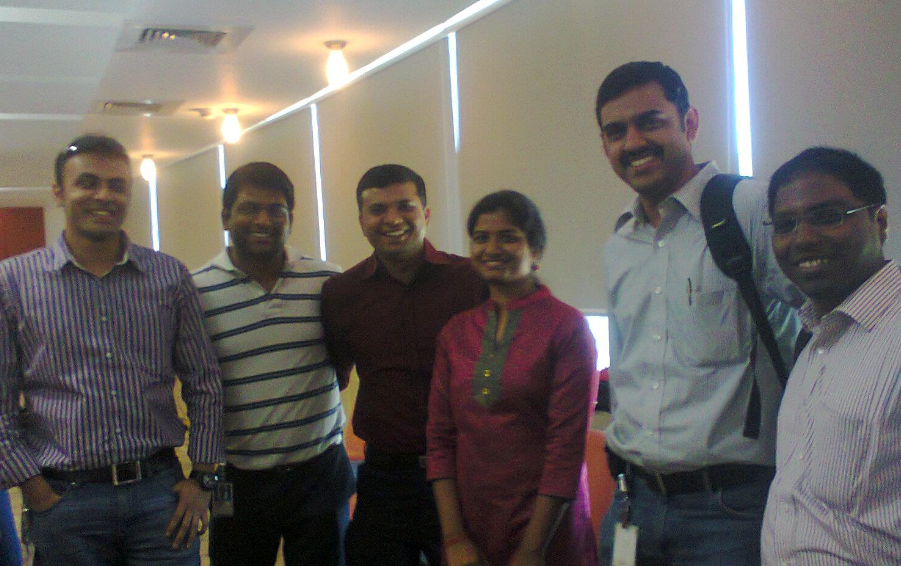

Presentation content for the session is here:
Amit – Refer his blog
Balmukund – Basics of Backups with SQL Server
Kamlesh – Better together: Excel + SQL for Database Developers
Sourabh – Intro to Indexing – Basics rediscovered
Vinod – no ppt only live demos.
That’s all from my side. This was Balmukund, reporting on wordpress about SQLBangUG#2. Hope you have enjoyed it!
Cheers,
Balmukund







 Help: SQL Server