Help: SQL Server

Sharing my knowlege about SQL Server Troubleshooting Skills

  • Blog Stats

    • 2,157,109 hits
  • Select GETDATE()

    March 2026
    M T W T F S S
     1
    2345678
    9101112131415
    16171819202122
    23242526272829
    3031  

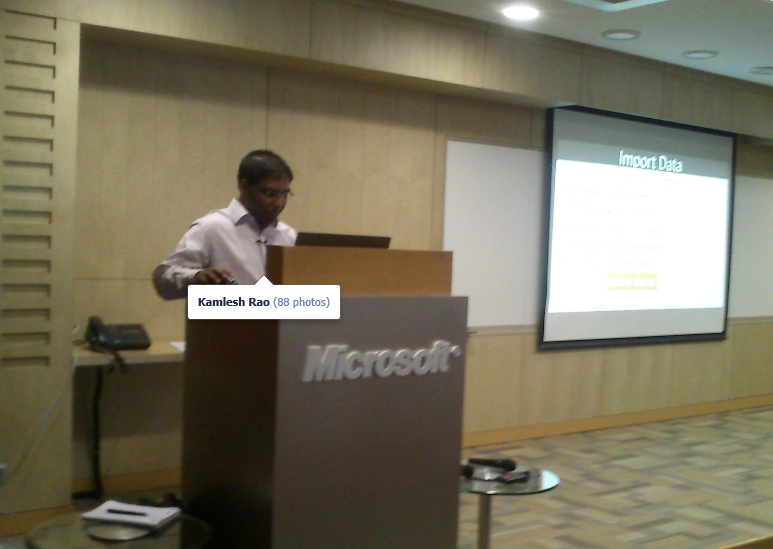
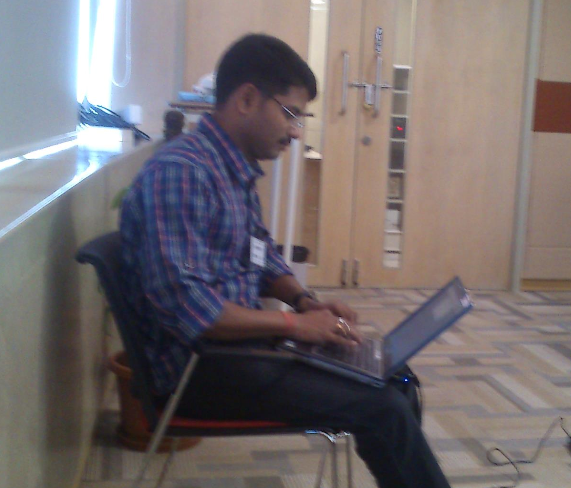
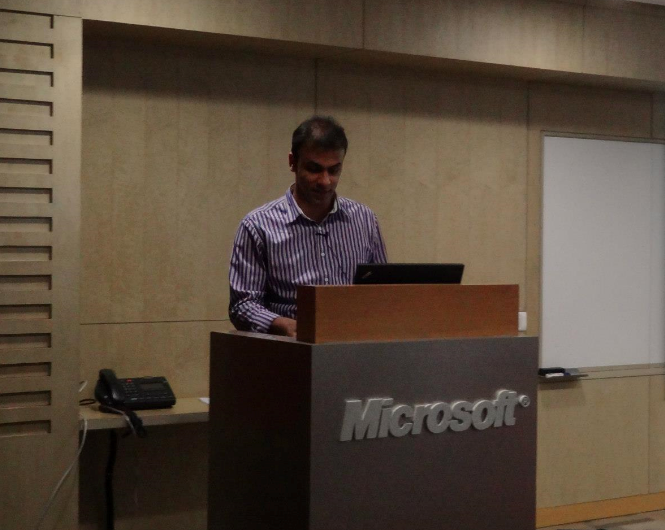
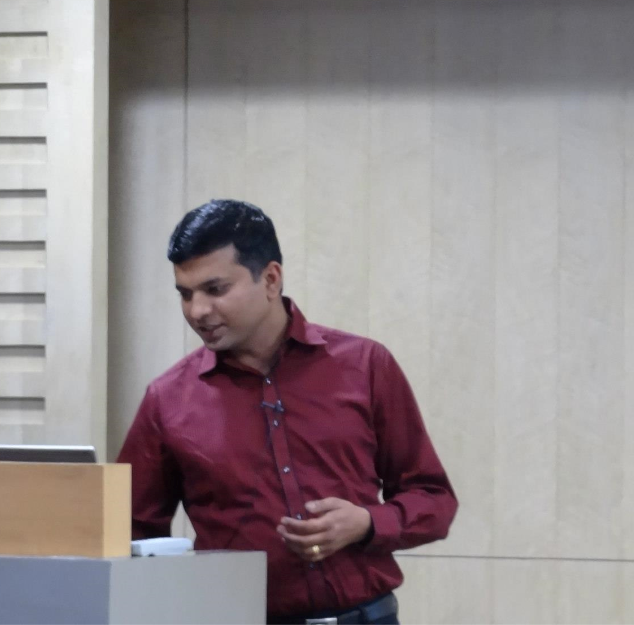
Coverage Report: SQL Server Bangalore User Group Meeting # 3 – @ 19 January 2013

Posted by blakhani on January 22, 2013


After hearing great feedback about my last UG report, I am thrilled and excited to write report about recent Bangalore SQL Server User Group Meeting on 19th Jan 2013. [apologies for delay as it took time to get the pictures of event). This UG meet was focused on SQL Server Excel based visualizations. Peoples were expected to get some great content that was less known to do inside Excel. It was held at Microsoft Signature building, 4th floor. I came to the event when room was empty and here is what it was looking like when we started rolling our camera…

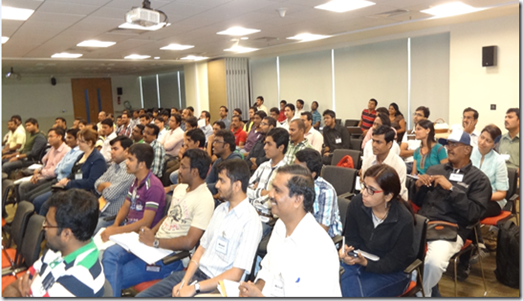
….and in no time, room was full!
image_thumb13

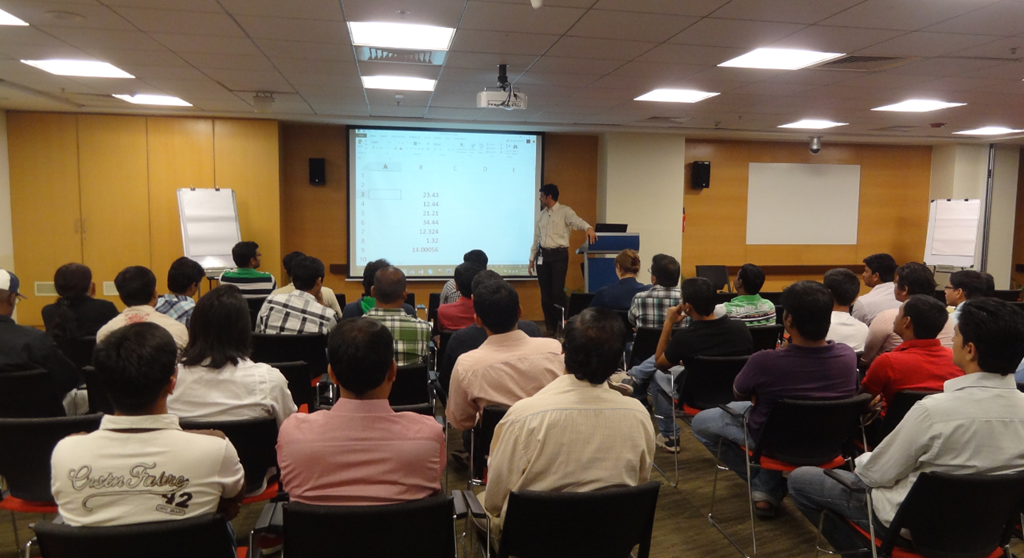
Excitement was set to start at 10:30 AM and first session was started as per schedule and delivered by Vinod (B|T). His topic was “Tour of PowerPivot with Excel” and he continued with his last session’s excel trick about FlashFill feature of excel 2013.
image

Well received session and ended with claps of 70+ folks.

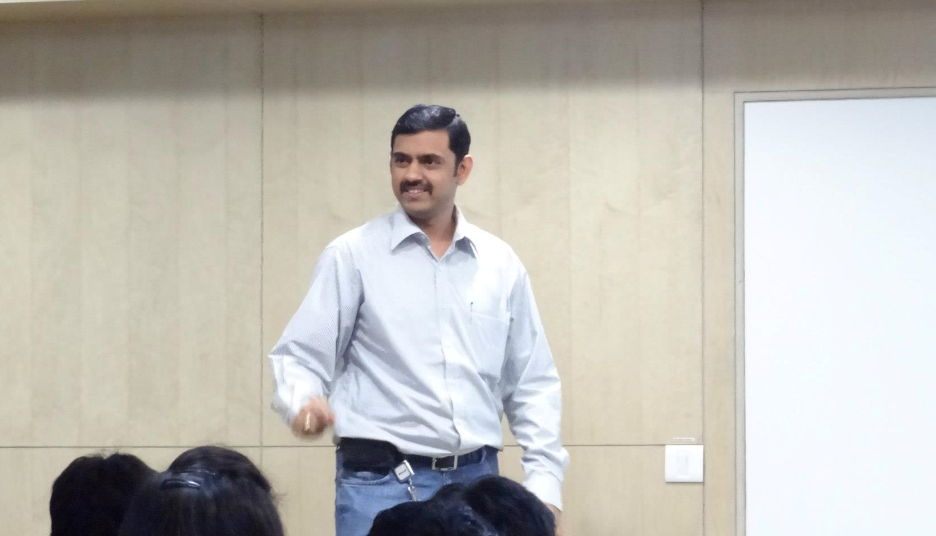
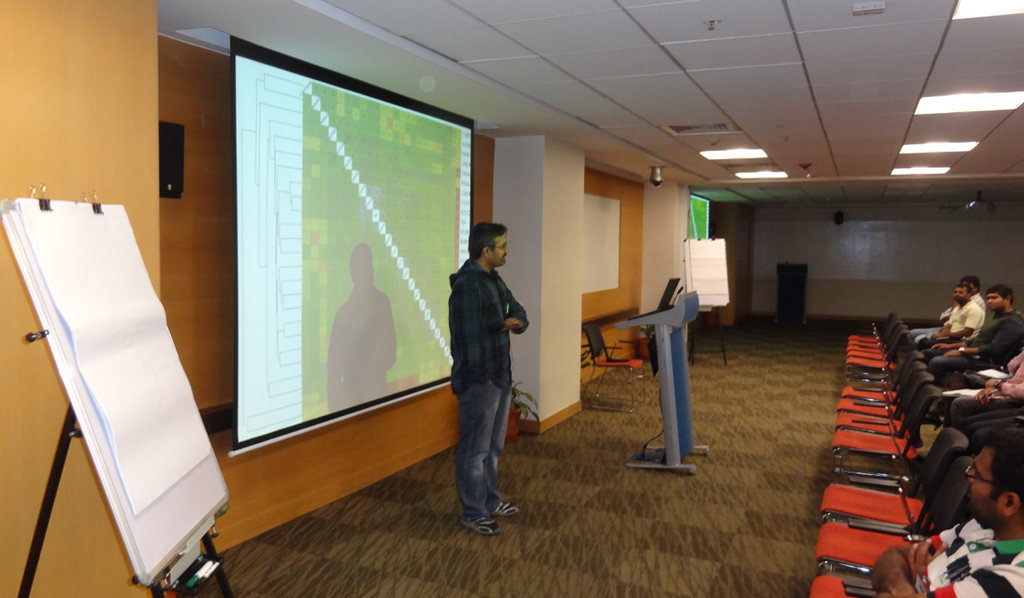
Next session taken by S Anand (B|T) on “Advanced Excel Visualizations”, who showed is the real power of visualization. He demonstrated analysis done for various classes results, hotel eating pattern, child birth pattern. In below picture, he was explaining why some hotels replaced their 1 liters bottle to 200 milliliters bottle.
image

This session was truly an eye opener and shown that how easy it is to read the data if its presented properly. This was truly one of the mostly discussed session after delivery.

Later, Selva (Blog|FB) from SQL Server Escalation Services team, who was called as hidden Gem by Vinod. Session title for Selva was – Introduction to PowerView with Excel. It was truly amazing session and was a good start point for them who wanted to learn PowerView. As per his demo “we might overtake china in population in next few years”. Sorry Selva, no picture.

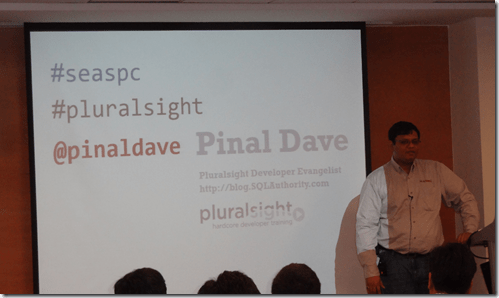
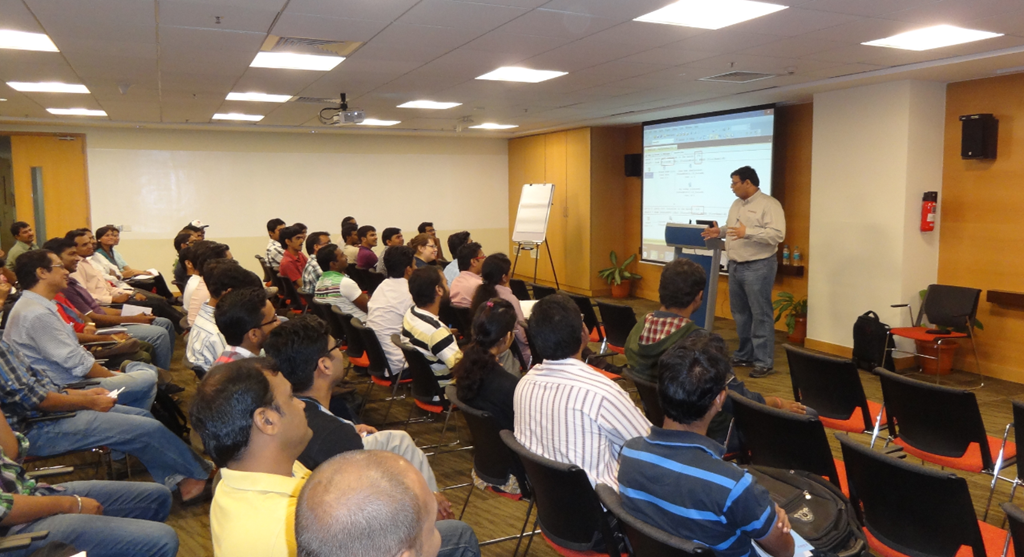
Finally, most awaited surprise session from Pinal Dave (b|t) started and in a short session of 15 minutes, people learned about Auto Update Statistics and Auto Create Statistics setting of a database. Pinal was missing the cameraman and suddenly god shown his grace and Manas (b|t), appeared and clicked some pictures.
 

image

In his own unique style of presentation he showed one of the addictive game “Angry Bird” screenshot and asked which level it is. As usual there were many fun elements in the session and no one can forget those 15 minutes. One of the participants , Onkar, who kept him on toes received his famous book SQL Server Interview Questions and Answers (Amazon | Kindle | Flipkart | Indiaplaza) as a reward.


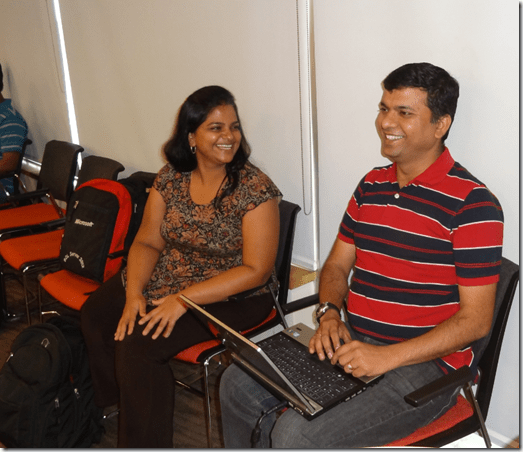
Pinal also shared a secret that why he checks in to all new places via foursquare (don’t worry Pinal, I will not write here). Session was full of infotainment followed by closure picture. Below are those folks who stayed late to have a photo session.

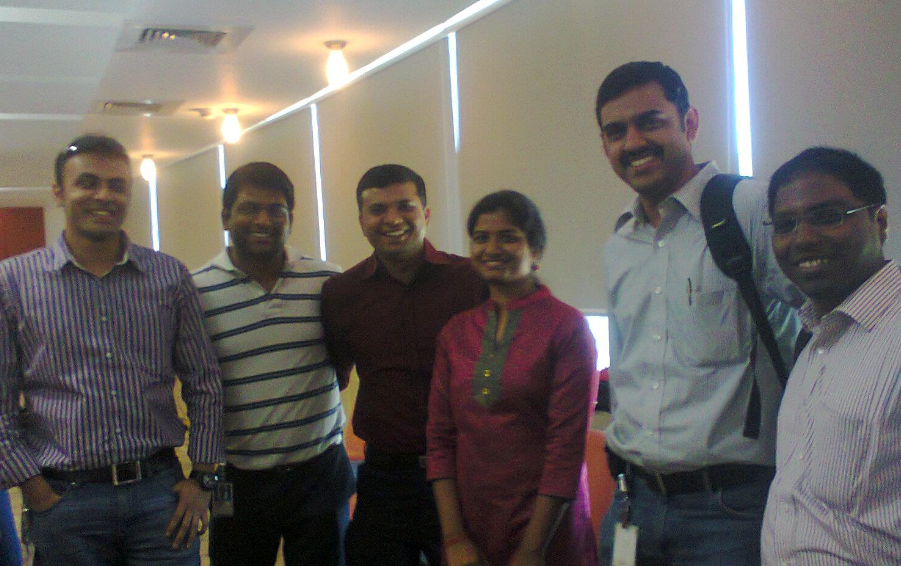
Few more folks were nice enough to take a picture with me as well Smile I tried my best to hide my tummy by “cheese and inhale” trick but it didn’t work and got worst of my pic ever.

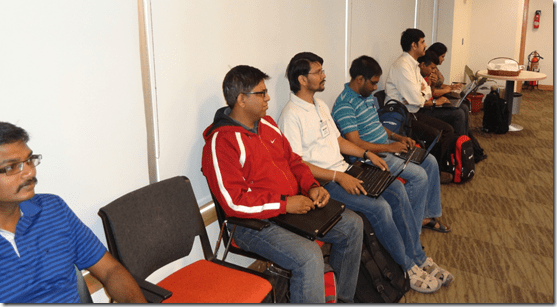
Below picture of all back-benchers clicked by another back bencher Manas (b|t). Left to Right – Selva (Blog|FB), Govind (B|T) Sudeepta (b|t), Kamlesh (B|T), , Vinod, Balmukund, Deepthi
That’s all for now. I personally had a great time in organizing, executing and becoming reporter of this event along with Vinod.
Feeling free to join the excitement at Facebook.

This is Balmukund, with no cameraman, reporting on wordpress about SQLBangUG#3.

Cheers,
Balmukund

Posted in Uncategorized | 13 Comments »

Coverage Report: SQL Server Bangalore User Group Meeting # 2 – @ 22 December 2012

Posted by blakhani on December 23, 2012


After missing first SQL Server Bangalore UG meet due to team outing, I was ready to meet all my old friends at second SQL Server UG meet yesterday. First of all, Thanks to Vinod (B|T) for starting the idea of SQL Server Bangalore User Group and making it popular on social networking (Facebook www.facebook.com/groups/SQLBangalore and Twitter #SQLBangUG) I have been active on facebook page to help someone who is in need. Feel free to join the group.

As expected, I was able to meet Kamlesh (B|T), Manas (b|t), Sahal (b|t), Sandip (b|t), Sudeepta (b|t) (names are in alphabetical order) from the community. We missed Pinal (b|t)this time as he was not available in town.

Here is the highlights of the whole event as tweeted by me and others. Series of back to back session were suppose to start at 10:30 AM IST and room was getting full. Due to change in venue (from Signature building to Embassy building) there were some folks who were little late.

image

Myself and other speakers were sitting at last bench.

image imageimage

First session was by one of our expert, Kamlesh. His session “Better together: Excel + SQL for Database Developers” was full of demo.

imageimage

image

Second session was by Microsoft Premier Field Engineer, Sourabh Agarwal (b|t). His session, Intro to Indexing – Basics rediscovered, was really to cover the basics and show the internals.

  • @napsterreturns presenting on Indexes (11:02 AM)

imageimage

  • @napsterreturns talking about IAM page (11:04 AM)
  • @napsterreturns talks about data page and index page types. If you didnt know IAM is pagetype 10.(11:10 AM)
  • IAM page id is 10, data page id is 1, index page id is 2 (11:10 AM)
  • @napsterreturns showing DBCC IND and DBCC PAGE outputs.#SQLBangUGmeeting … Mixed extends discussed now (11:12 AM)
  • demo on uses of DBCC IND@napsterreturns (11:12 AM)
  • Now Non-Clustered Index definition. How is structure for Clustered Index and Heap rows. @napsterreturns (11:20 AM)
  • what is plan for queries written?@napsterreturns discusses the basics of Clustered, Non-Clustered and Heap using queries … (11:27 AM)
  • SQL is a cost based optimizer @napsterreturns the basics of INDEX simplified with lots of DEMOs. (11:30 AM)
  • What a perfect timing.. at 11:30 – session was ended. (11:30 AM)

Again, a big round of applauses and Vinod introduced our next speaker, Amit Banerjee (b|t) and his session was “Knowing sp_server_diagnostics output” A feature which is not known to mant DBA. He showed some fantastic demos and shared his nice reports to read that information.

imageimage

  • @banerjeeamit started his session at #SQLBangUG"System Health Session” (11:36 AM)
  • @banerjeeamit shwoing the System health check using "Extended Events" (11:37 AM)
  • @banerjeeamit shows the Extended Events for System Health. Explains the details.#SQLBangUG. Blocking using Extended Events … Demo !!!(11:38 AM)
  • @banerjeeamit talks about Logon errors, Netowrk erros, Lock Waits using default System Health session. (11:47 AM)
  • How can we find the CPU and Memory of SQL Server 15 mins back? @banerjeeamit is making #SQLBangUGmembers think !!! It is Ring Buffer DMV. (11:49 AM)
  • @banerjeeamit showing magical report generated with system health session#SQLBangUG learning Free monitoring!! (11:52 AM)
  • Corrupt pages can also be tracked via sp_server_diagnostics.@banerjeeamit in#SQLBangUG. Now showing failed IO sub system. (11:56 AM)
  • When the issue happened, long IO, which file …SQL Server Health Session Dashboard …. #SQLBangUGby @banerjeeamit (11:56 AM)
  • Great session by@banerjeeamit#SystemHealthSessions (12:01 PM)

And then, I was the next one to speak about, Basics of Backups with SQL Server. My topic was not so new to deliver and to make it more interesting I added few interesting slides. I was able to keep audience awake after 3 heavy sessions. Here is the commentary of my session.

imageimageimage

After my session, we had enough time left before close-out so Vinod did a session about Excel feature Flash Fill. All in the room were shocked and surprised with this feature. Here are the highlights of his amazing session.


imageimage


Here are the tweets which came in after the meeting.

imageimage

Presentation content for the session is here:

Amit – Refer his blog
Balmukund – Basics of Backups with SQL Server
Kamlesh – Better together: Excel + SQL for Database Developers
Sourabh – Intro to Indexing – Basics rediscovered
Vinod – no ppt only live demos.

That’s all from my side. This was Balmukund, reporting on wordpress about SQLBangUG#2. Hope you have enjoyed it!

Cheers,
Balmukund

Posted in backup, download, Events, ppt, presentation, SQL Server, SQL Server User Group, SQLBangUG | 15 Comments »

Help: Getting error “Value cannot be null” while opening management studio. Which value?

Posted by blakhani on July 23, 2012


One of my friend emailed me today to troubleshoot a problem with SQL Server Management Studio. Here is the problem statement in his own words.

Hey Balmukund,
I know you are the one you can save me now.

I have a problem with my production SQL Server. When I am trying to connect via management studio, I am getting below error

clip_image001

Once I hit OK, I can get in to management studio but can’t expand any node completely.

Using Bingoogle, I found that this can be rectified by tweaking some registry entries. I do not want to take that route, instead want to uninstall only SSMS and install it back.

One of your reply on MSDN shows that you were not able to reproduce the problem. Let me know if you want to troubleshoot this live with me.

Friend:waiting your comments,
<Name not displayed>

For better search here is the text of the message

TITLE: Microsoft SQL Server Management Studio
——————————
Value cannot be null.
Parameter name: viewInfo (Microsoft.SqlServer.Management.SqlStudio.Explorer)
——————————
BUTTONS:
OK
——————————

Once I reached office, I pinged him today and started my day! I followed my usual ways of troubleshooting with a series of question to nail down the problem. Here we go.

<<< Start of Chat Session>>>

Balmukund: Hey.. Just came to office and saw your email. Are you ready to work now?
Friend: Hey Balmukund, Thanks for pinging back. I am ready to work now.

Balmukund: Are you able to connect the same SQL instance from other machines?
Friend: Never tried, let me try right now! (1 min pause) yes, I can.

Balmukund: Could you please share your desktop and let’s see what’s going on?
Friend: Sure!

Balmukund: Okay, I can see your desktop now. Show me the error again.
Friend: There you go! As you can see, I am unable to expand any node completely. It ends up in same error.

Balmukund: Could you please open “New Query” window?
Friend: Let me try as I never did that after seeing this error. (5 second pause). Ouch, another error!

clip_image002

Balmukund: Hmm.. Please highlight the windows and hit Ctrl + C on your keyboard and then paste in chat windows.
Friend: What that would do? Copy image?

Balmukund: No, copy the text of the message.
Friend: Wow. that’s interesting. Here it is

—————————
Microsoft SQL Server Management Studio
—————————
The filename, directory name, or volume label syntax is incorrect. (Exception from HRESULT: 0x8007007B)
—————————
OK
—————————

Balmukund: Thanks. This sounds interesting.
Friend: Really! What’s next?

Balmukund: Since you confirmed that the issue is happening with the specific machine and you are able to connect to same SQL instance via SSMS on other machine then the error is specific to this machine settings. Agree?
Friend: Absolutely.

Balmukund: Now, lets download process monitor and run that tool. Here is the link http://technet.microsoft.com/en-us/sysinternals/bb896645.aspx or you can go to http://live.sysinternals.com and search for procmon to download exe directly.
Friend: Done. Let me run the tool now.

Balmukund: Yes please. Start the data capture, reproduce the error and stop data capture.
Friend: Okay. Done. The is a lot of information. How would you find problem with this?

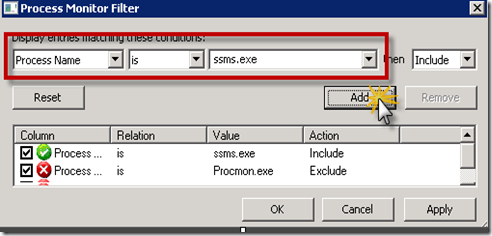
Balmukund: Lets apply the filter for process name = ssms.exe using Filter in menu bar

clip_image003

Friend: Okay. that has bought down the information captured to only ssms.exe.

Balmukund: Do you see any access to path which is not valid? Do you see “Name Invalid” in Results column?
Friend: Nope.

Balmukund: Okay. Click on New query windows and get other error. Do you see it now?
Friend: Yes. Its trying to access the path “C:\Users\demouser\AppData\Local\Temp;x:\SQL”

Balmukund: Okay. Let me take a screenshot.
Friend: Sure. I am sure you are going to write a blog.

Balmukund: Yes, of course. I have found earlier that few have hit the same null error.

 
ProcMon_NameInvalid

Balmukund: It says temp in the path and also X drive. Do you have that drive?
Friend: No, its not there.

Balmukund: Okay. Could you please open command prompt and type “Set T” and show me the output?
Friend: Sure.

image

Balmukund: I think that explains the issue. TEMP path of your environment variable is incorrect. Can you please correct it?
Friend: Can you tell me steps to change?

Balmukund: Sure.  My Computer > Right Click > Properties. And then choose “Advanced”. Then click on “Environment Variables”

image

Balmukund: Now, change TMP and TEMP to valid location. On my machines its “%USERPROFILE%\AppData\Local\Temp”
Friend: Done.

Balmukund: Now, logoff and log back in.
Friend: Sure. Let me Try…

After 2 min….

Friend: You are the man!
Balmukund: I know <smiley>  Is that working now?

Friend: Of course, Yes!!!! Thanks a ton! You saved me from uninstalling SQL Management Studio.
Balmukund: Anytime! Glad I could help.

<<< End of Chat Session>>>

Later, I search on internet and found various peoples getting same error after installing few softwares. Hopefully this blog will help someone in the world! Here are the few items:
http://connect.microsoft.com/SQLServer/feedback/details/573771/value-cannot-be-null
http://social.msdn.microsoft.com/Forums/en/sqltools/thread/7e0287b3-cd37-408e-8145-4b9dba8c7811 
http://connect.microsoft.com/SQLServer/feedback/details/742857/ssms-studio-reports-value-cannot-be-null-when-attempting-to-copy-headers-with-no-rows

Hopefully this would help someone in the world.

Cheers,
Balmukund Lakhani
Twitter @blakhani

Posted in Screenshot, SQL Server, SQL Server Management Studio, SSMS | 32 Comments »